'/%3E%3C/svg%3E)

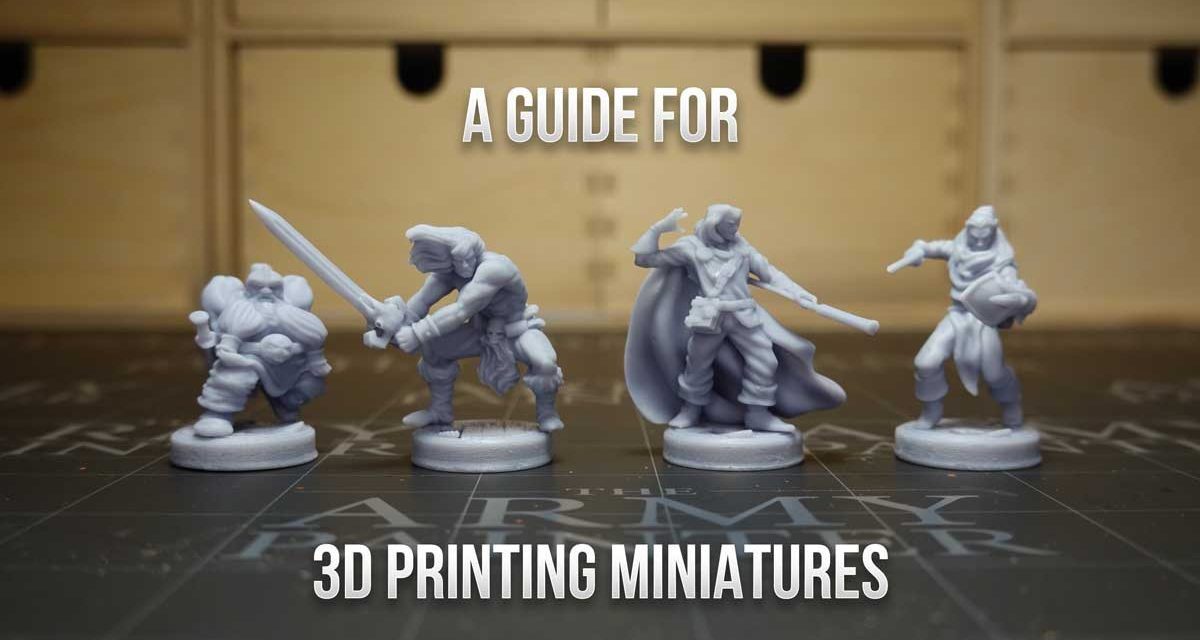
3D printing for miniatures is considered by many to be death for Games Workshop. But is it really so? What difference will this “new” technology make in our hobby? Probably still little, perhaps none and it will be the same in the future if technology evolves at much higher levels than at present. It is also true that prices have dropped significantly in the face of increased quality. Today with about € 300 we can take home a resin printer capable of producing good quality miniatures, but the problem is not in costs, but in convenience.
Why doesn’t 3D printing for miniatures bother Games Workshop?
Games Workshop actually tends to want to sell you two types of units: big models and lots of infantry. He imagines that he is an avid collector and player of Warhammer 40,000. You just did a good search on the internet, found the best 3D printer for miniautures, bought it, and now you’re super happy because you’ll never buy miniatures again! Yeeee! But is it really so? NO! And I’ll explain why it isn’t: to play Warhammer 40,000 you need a lot of infantry units that with the various starter sets (coincidentally among the best-selling boxes), bargains, used, it will never be worth printing at home. in terms of time and cost. What a Warhammer player wants is to have many units available and possibly different. With a resin 3D printer it would still take a week before you have 50 miniatures ready to use.
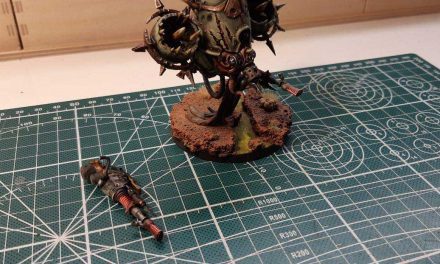
“But I print the bigger units”! Sure, you could, but the more time passes, the more complex and sophisticated GW produces. The time it would take to 3D model any Mortarion (excluding piracy, of course) and the cost and printing time I don’t think would be worth it for just one unit.
So these are the reasons why, at least for the moment, it is not worth using 3D printing for miniatures from Games Workshop.
So what miniatures can I make with 3D printing?
A 3D printer is still a truly innovative tool that opens up an infinite world of possibilities, even for the most avid Warhammer players. The fairest use you can make of it is for customization. In fact, the 3D printer should not be thought of as a tool that can replace the purchase of miniatures, but as an object capable of improving their visual and game rendering. New weapons, new bases, new shoulder straps and even props! This is the use you can make of it and why it is worth buying a 3D printer and learning how to use it.
It is quite another matter if you are not an avid wargame player but simply a fan of painting and models. Here then your desire to create level rises! In fact, with a 3D printer you can print any model you can think of to paint, busts, sculptures and models of various sizes. We recently saw it with the video on the ogre chef of Terre Ostili what it means to paint a miniature printed in 3D. And the beauty is that that model is the work of an Italian, Andrea Tarabella, aka Artisan Guild. Once you have purchased the printer, simply subscribe to his Patreon, or that of any other artist, and download the 3D models to create the miniatures you prefer. 3D printing is therefore also ideal for RPG and Dungeons’ n Dragons players!
Which 3D printers for miniatures to buy?
Let’s start with another question first: what types of 3D printers are there? Essentially they can be divided into two categories but, as we will see later, there are also sub-categories. It is important to understand the differences in order to understand their strengths and weaknesses. Depending on what you intend to do, you may have to choose the printer that best suits the type of result you want to achieve.
Stampanti FDM
FDM printers are filament printers. The acronym FDM stands for Fused Deposition Modeling. These are printers that work in layers, melting a filament of thermoplastic material (i.e. plastic which, if heated, can act as a liquid and return to its previous state when cooled) which is deposited on a surface. The realization of the object therefore takes place from bottom to top. The quality of these prints is based on several factors: the type of plastic used, the size of the nozzle or needle, the minimum layer height you can get. Generally the print quality is much lower compared to the resin ones, which we will see shortly, but you can make much larger and “hard” models.
Resin printers
Resin printers use a completely different technology. Instead of a spool of plastic wire, a liquid resin bath is created. Under the tray with the resin there is a light plane with an ultraviolet light laser which, layer by layer, hardens the resin. Compared to FDM, however, there are some considerations to be made: the resin processing gives off unpleasant odors and as if that were not enough, it is an irritating product. It must therefore be handled with care, using gloves and not wasting it. It absolutely cannot be thrown into the sinks! All this also translates into the fact that to use these printers, a laboratory, or in any case a dedicated room, is recommended. They can’t be in the living room.
Resin printers can be divided into two types:
StereoLithography Apparatus (SLA)
The StereoLithography Apparatus (SLA) technology uses UV lasers focused on particular points that cause the resin to harden. All this is clearly visible during processing because, unlike FDM printers where the print head moves, with resin printers the printing base itself is raised every time the light hardens one layer and passes to the next. What you will see with resin printers is that your model will come out upside down from the tray full of liquid resin!
Digital Light Processing (DLP)
Digital Light Processing (DLP) is identical in operation, except that instead of UV lasers, it uses a UV projection screen or plate. Printing is always done in layers, however with SLA printers where the laser traces the surface of each layer, the DLP printer will actually print an entire layer at the same time. This makes them faster than SLA printers. But the quality of your print is limited by the resolution of the panel, unlike the ultrafine beam of a laser.
The most obvious impact on quality is with the individual layers of the model. If these are too thick, you will see ridges on the individual layers that are printed. These are quite noticeable on FDM printers and will be visible even after a template has been prepared. There are ways to smooth them such as manual sanding, which takes forever and the risk of ruining the print, or using acetone steam which smooths the entire model, including any intentionally sharpened edges. For this reason, with FDMs and acetone vapor, modeling is essential in order to obtain the desired result.
With resin printers, these ridges that form at each layer are almost non-existent, but still there are. At least until a printer with a very high resolution screen arrives.
Which miniature 3D printer to buy?
Let’s make a small premise first: I’ve never printed a miniature in 3D, I’ve never put my hand on a 3D printer. The topic, however, interests me a lot and I do not rule out that sooner or later I can buy one, indeed! For this, I have read many articles about it and what I report here and what you have read so far, is a bit of a summary of what I have read and learned from the web, from various forums and threads.
That said, what I’ve learned is that for miniature printing, the most logical choice falls on DLP resin 3D printers, which are also often referred to as LCD SLA printers. This is because for miniatures as small as we like them, other technologies would not guarantee the right level of detail. Therefore, in the face of the problems we have talked about, this seems to be the best solution for those who want to print miniatures in 3D.
Let’s see some of the most popular models on the market:
Anycubic Photon S
Probably the best known printer on the market is Anycubic Photon S, also thanks to its large presence on YouTube due to a massive affiliate program. It is a printer with 2k projector, double track for greater stability (and therefore greater rendering of details during printing). It has no wi-fi or ethernet connections, so each file must be copied to a USB stick.

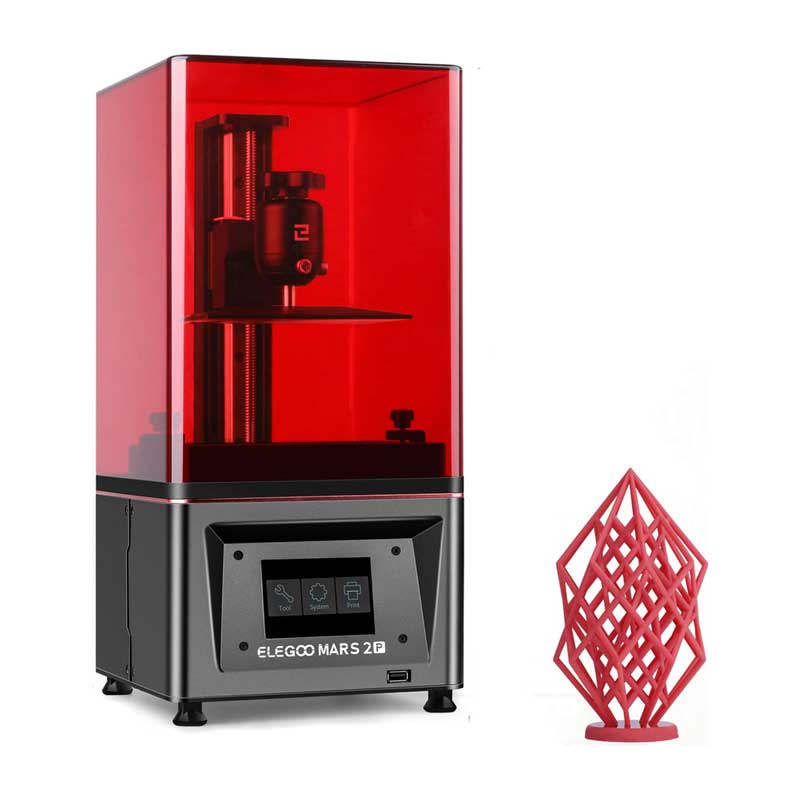
Elegoo Mars 2 Pro
The print volume of the Elegoo Mars 2 Pro is comparable to that of the Photon S. However, it has a hex screw fixing system that appears to provide exceptional stability. It also has only a USB connection.
Nova3D Bene4
Nova3D is another company from the rising sun that also produces resin 3D printers. Their Bene4 model is comparable in features to the previous two, but this one allows wifi and ethernet connection. This is no small feature for those who do not have a workstation next to the printer.

Phrozen Sonic Mini 4k
The Twainese Phrozen house instead offers, albeit at a slightly higher price, the Sonic series (in Mini and Mighty versions, with larger print volume) a 3D printer with a 4K screen. The only one seen in this article with this feature. This printer fascinates me a lot because if it is true that the previous ones cost little, or at least much less, with 2K it is difficult to obtain an excellent level of detail for very small miniatures, let’s say of the order of 28mm. It might be interesting to understand what level Phrozen reaches instead with its 4k… there is however the previous 2K version, currently on offer.

Conclusions
3D printing is something very fascinating to me, it gives you the idea of being able to make whatever your imagination can imagine. Clearly it requires a little knowledge of 3D modeling, but around the web it is full of free or cheap resources that will allow you to create great characters at home!
The ones you’ve seen here are the 3 resin 3D printers for miniatures that most caught my attention. As already mentioned, I’ve never had one on hand to prove its actual quality. If you have had more experience than me, especially for the creation of gaming miniatures at home, let me know in a comment what you think, which one you would recommend and why.
Some sources: fauxhammer.com e Spikeybits.com