'/%3E%3C/svg%3E)

This is not my first 3D printer. And I’m telling you that upfront because it’s exactly why this review exists.
The first arrived in 2019 and it was a delta, a Monoprice MP Mini Delta I still keep on the bench out of affection: a likeable little machine, but with a cylindrical print volume of roughly ten centimetres across by twelve tall. Every project started with half an hour of slicer tetris to work out what would fit. Spoiler: nothing ever fit properly.
In 2021 I moved on to a Geeetech A20, a bed slinger from the extended family of Ender 3 clones. The volume was finally there, and reliability-wise I can’t really complain, but it was a machine that demanded constant attention, especially on the thermal side: maintenance, checks, tweaks. And then there was bed slinger physics, with the bed shooting back and forth dragging the print along: past a certain height the walls of a watchtower started rippling as if I was printing during an earthquake.
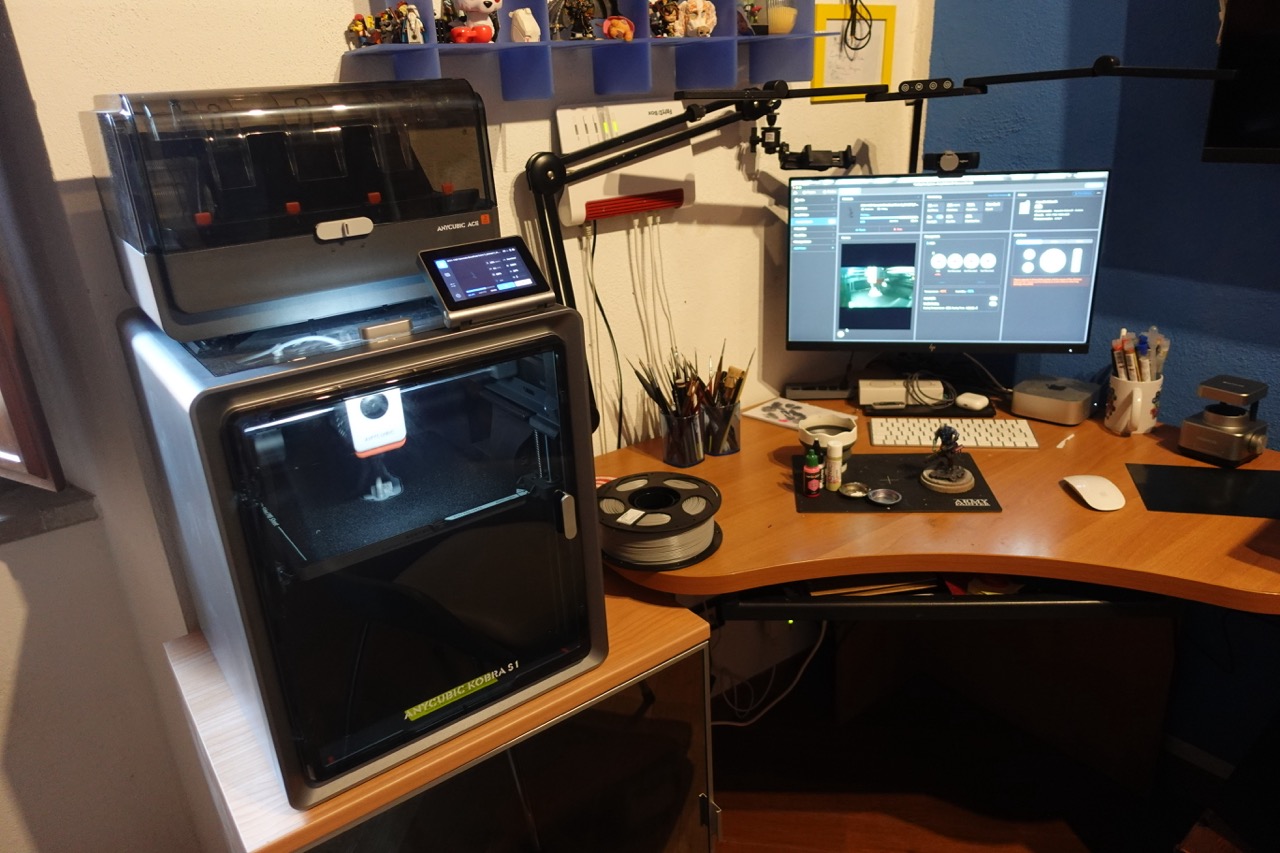
So when I got my hands on the Anycubic Kobra S1, an enclosed CoreXY, the question wasn’t “is this a good printer?”. The question was: does it fix the problems that made me suffer for years? Short answer: yes. Long answer: keep reading.
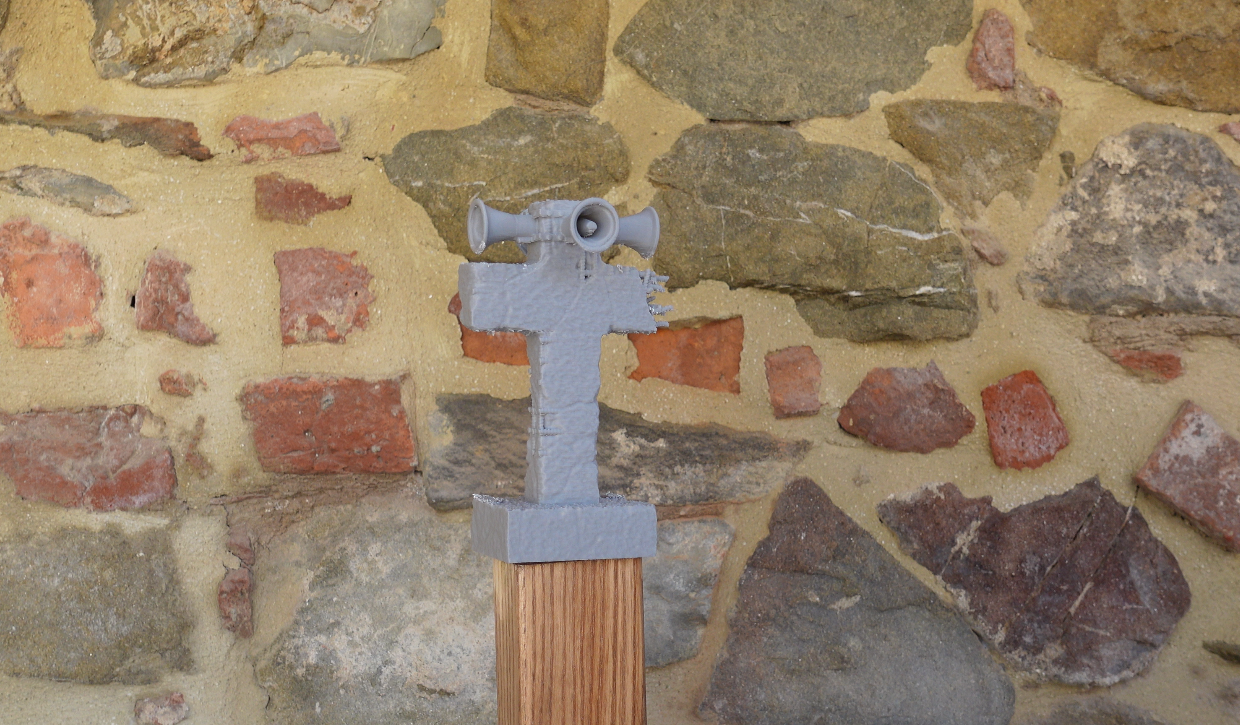
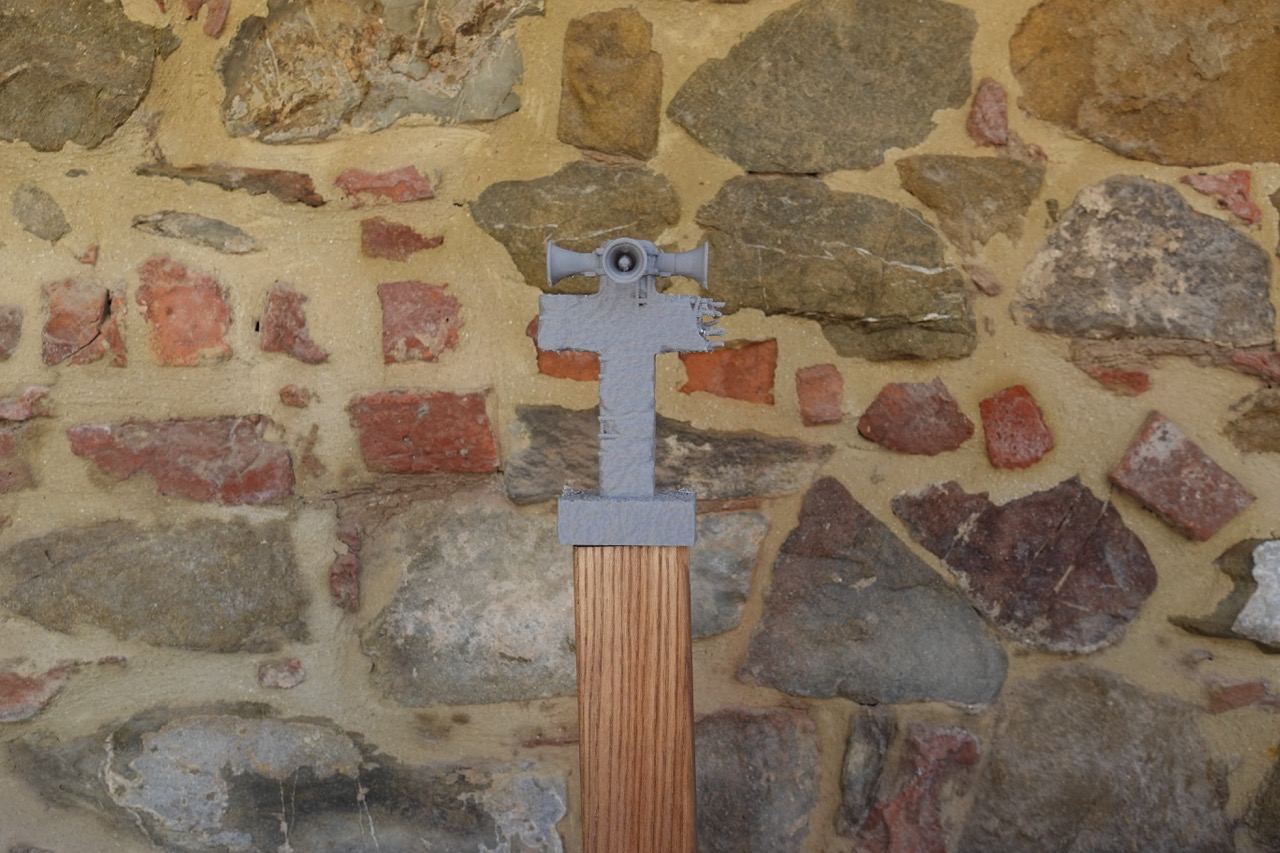
Two words of tech talk, I promise it’s only two. On a CoreXY the printhead moves on the horizontal plane and the bed only travels downwards, slowly, along the Z axis. The print never gets yanked around. For terrain printing this changes everything: towers, ruins, trees, antennas, all that tall skinny stuff that had you crossing your fingers on a bed slinger comes out straight and clean here even at high speeds. And the S1 has speed to spare, up to a claimed 600 mm/s, though in practice the number that matters is a different one: you can start a batch of modular walls in the evening and find it finished in the morning, with no vibration artefacts.
The second advantage is the enclosed chamber. Stable temperature inside, no draughts, no warping on large pieces, and the real option of printing ABS and ASA if you need tougher parts. Plus one thing nobody ever mentions: dust stays out. Anyone with their hobby station in a garage or basement knows what I’m talking about.
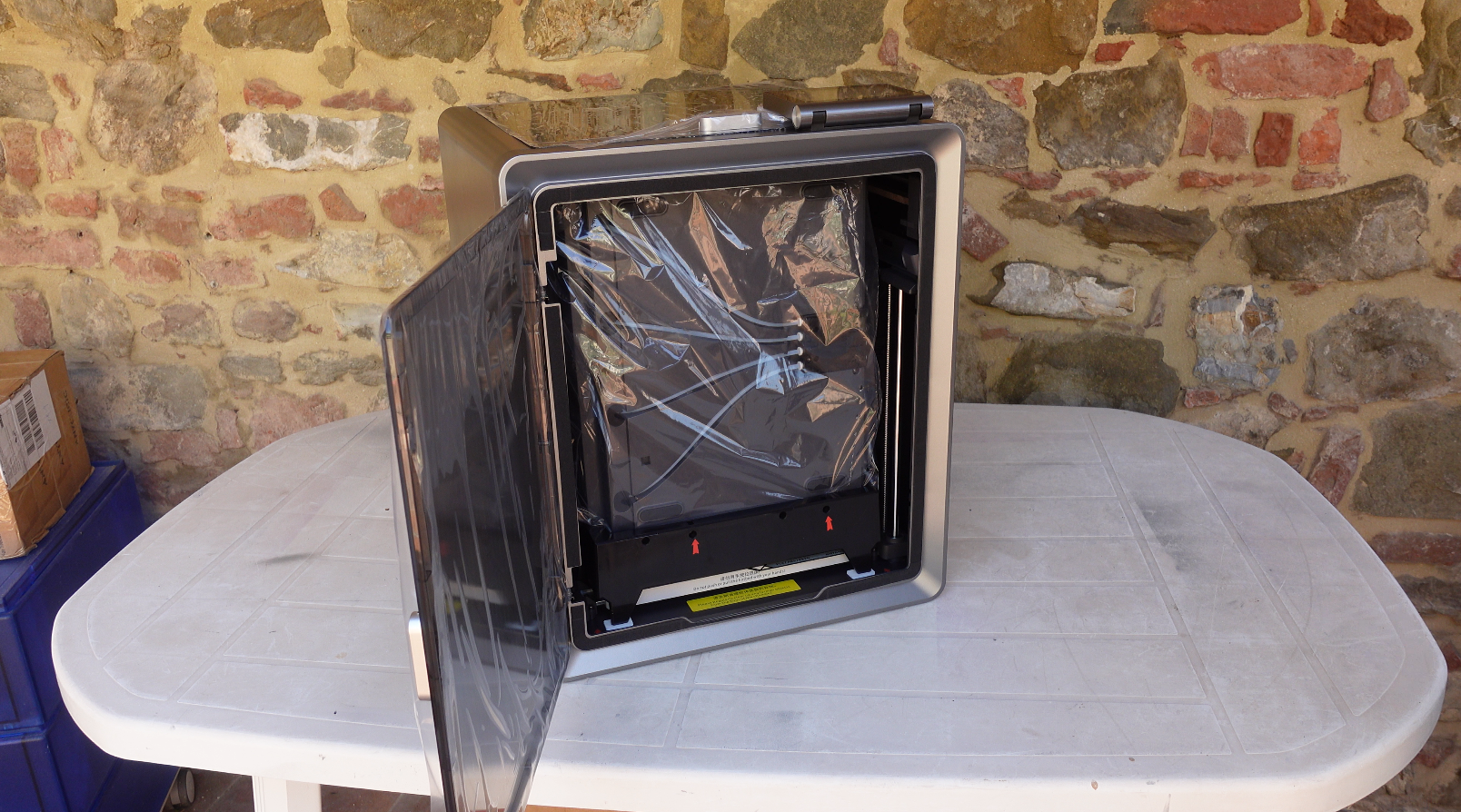
Build volume of 250×250×250 mm, auto bed levelling, a built-in camera to check on prints from the app, a flip-up touchscreen and Wi-Fi. I won’t dwell on setup because there isn’t much to say, and that’s a compliment: pull the machine out of the box, free the transport screws, follow the guided procedure on the screen and you’re printing in well under half an hour. If you’re coming from machines you had to assemble bolt by bolt, you’ll appreciate it.
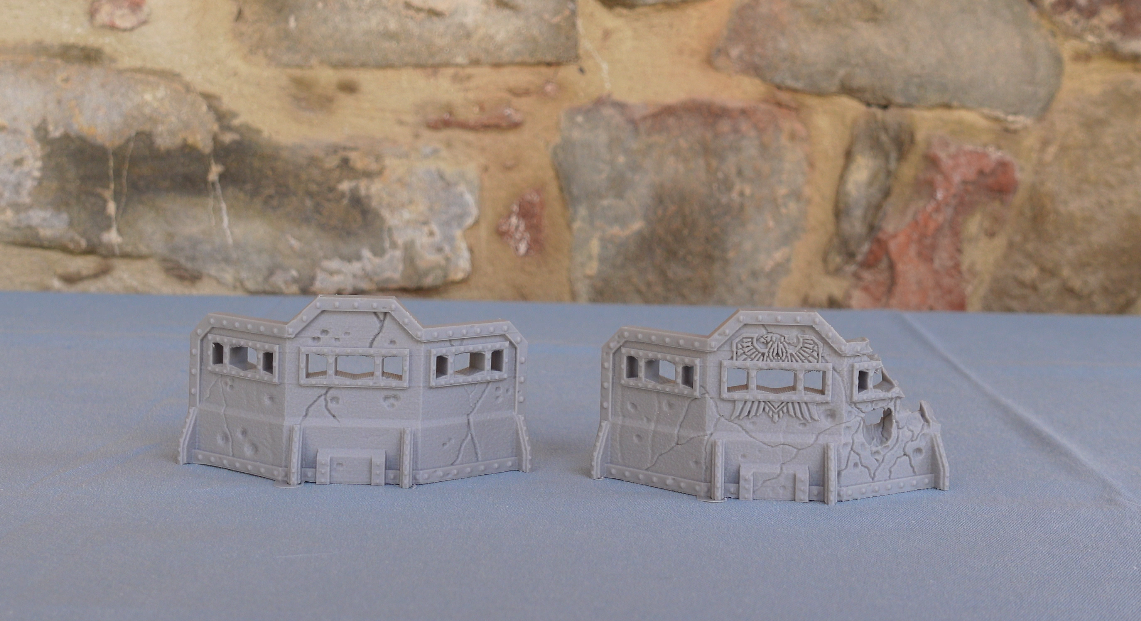
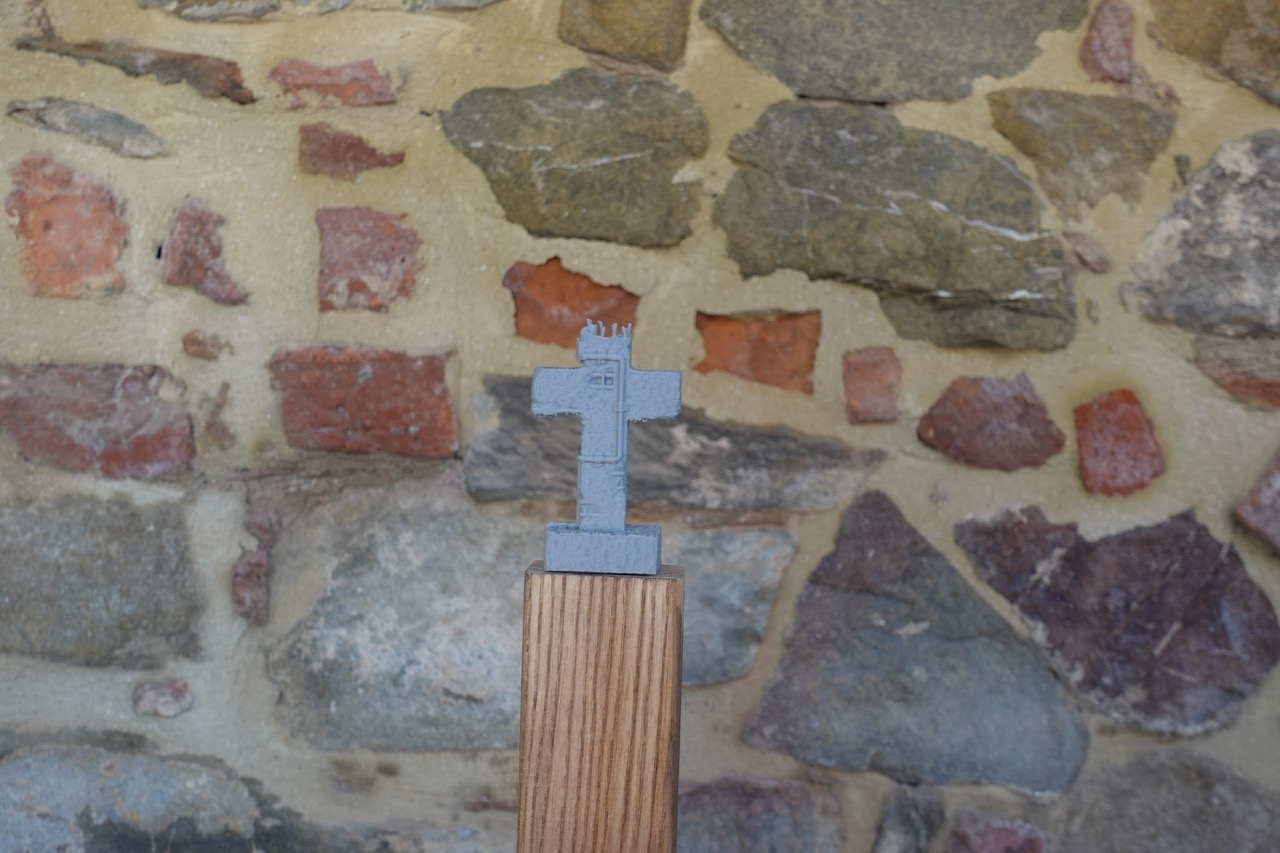
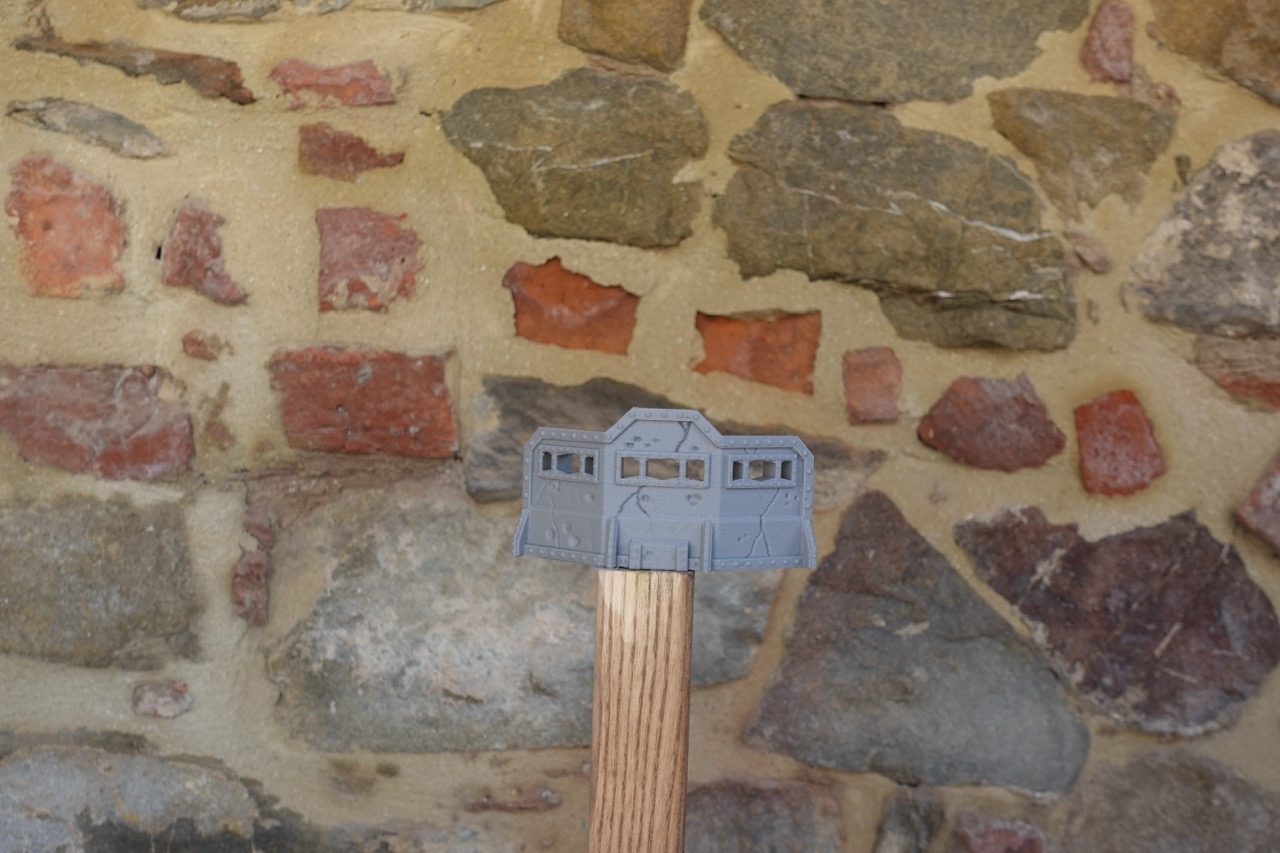
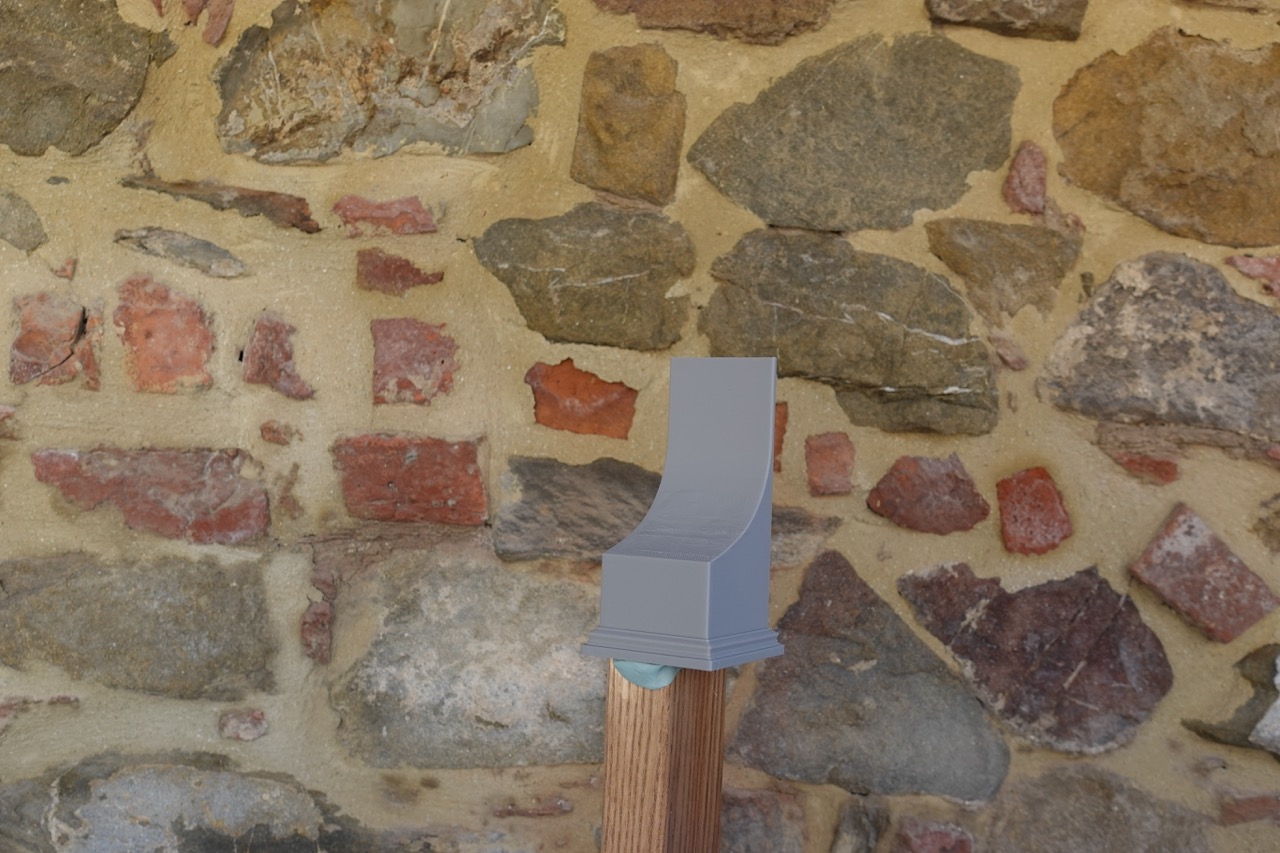
With the stock 0.4 nozzle the S1 is a formidable terrain machine. The 25 cm cube lets you print serious scenery pieces in one go, and the surface quality in PLA is clean enough that after a coat of primer and a drybrush the layer lines disappear into the texture. I’ve had the machine running for entire days on sets of walls and ruins and the consistency is what I was after: the tenth piece comes out identical to the first. If you batch print terrain for your own collection or for your gaming club, that’s exactly the behaviour you need.
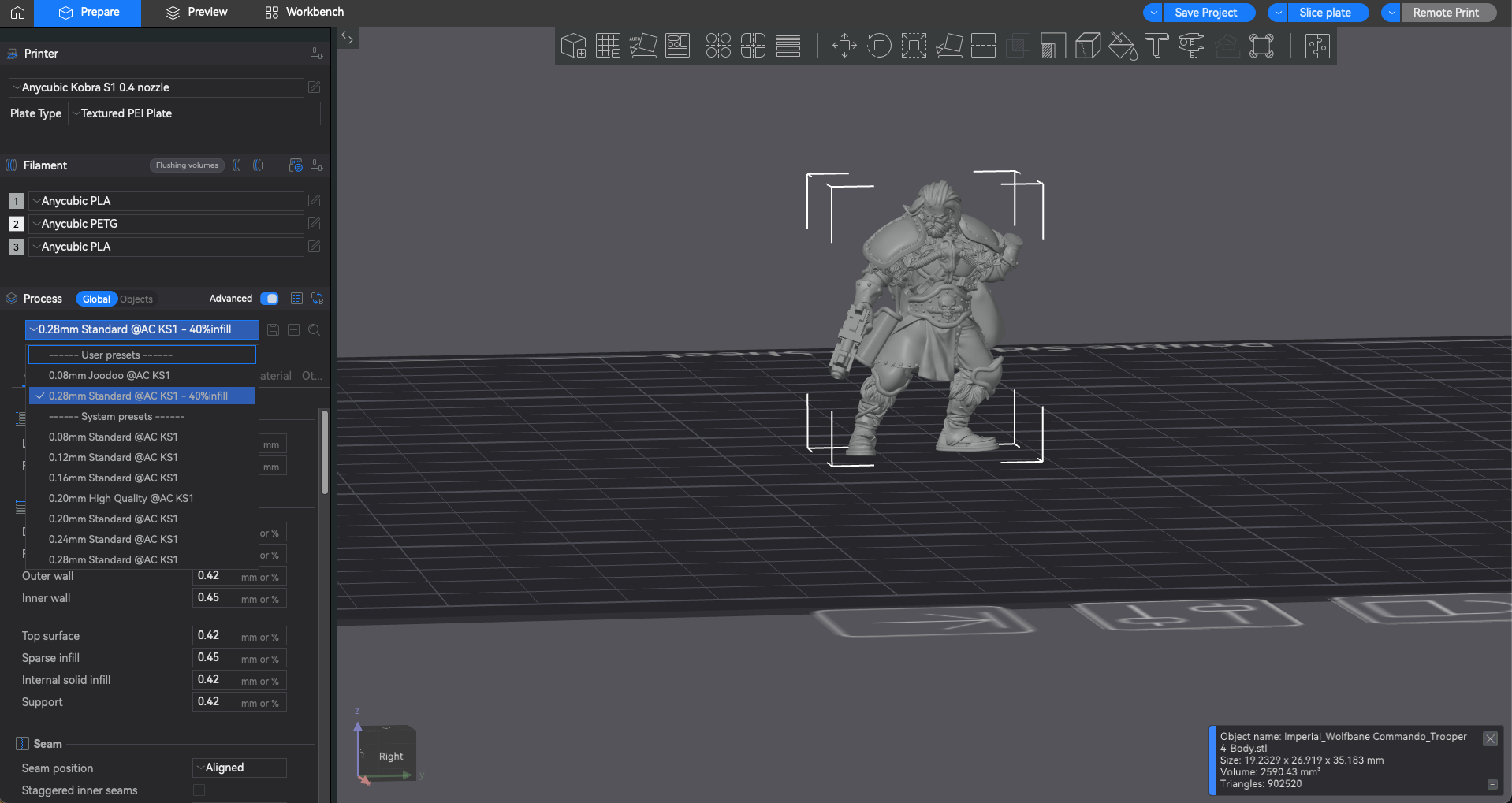
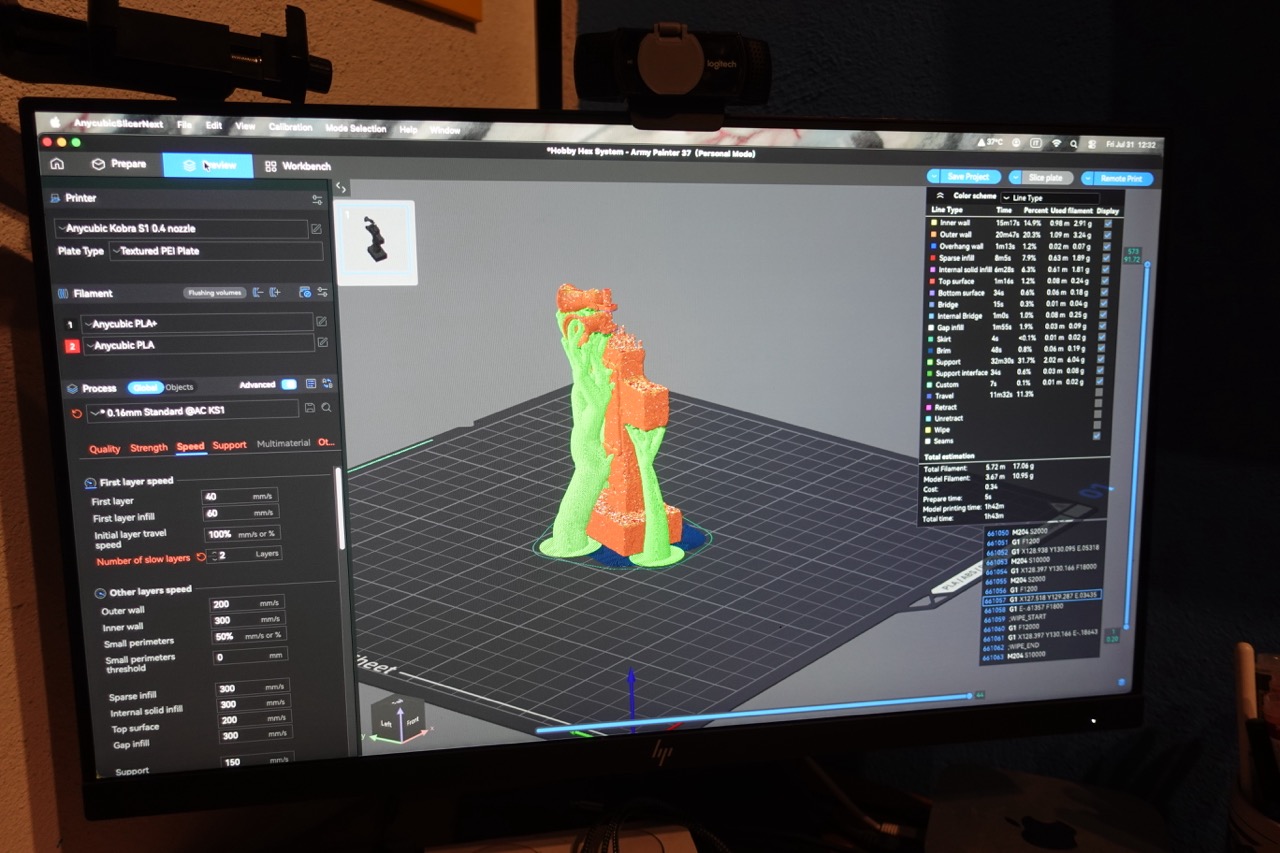
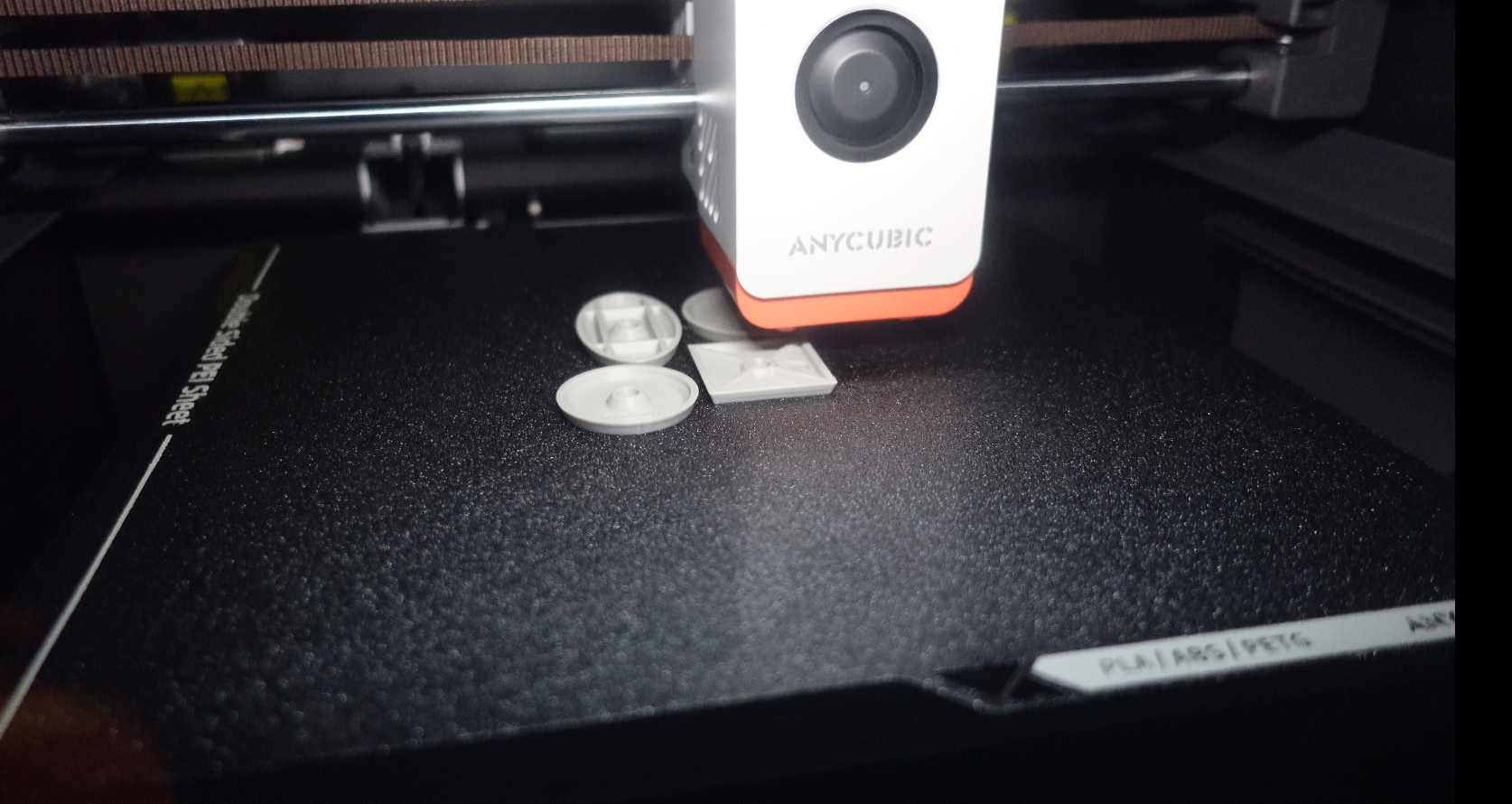
And here we get to the part I cared about most. The S1 ships with a 0.4 nozzle, but the hotend assembly is (relatively) quick-swap and Anycubic sells 0.2, 0.6 and 0.8 diameters separately. The change takes a couple of minutes with no exotic tools. Be aware though that you’ll have to disconnect and reconnect a few electrical connectors, but nothing a beginner can’t do with proper attention and care.
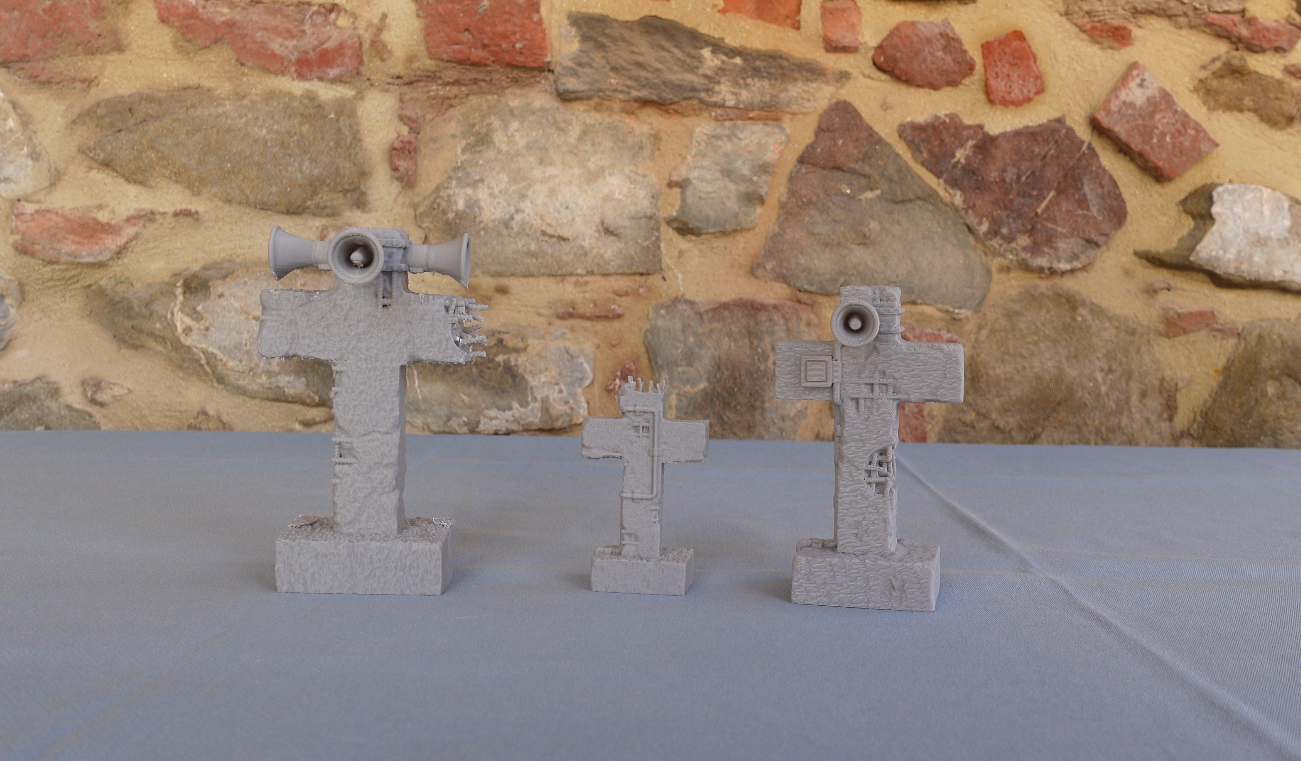
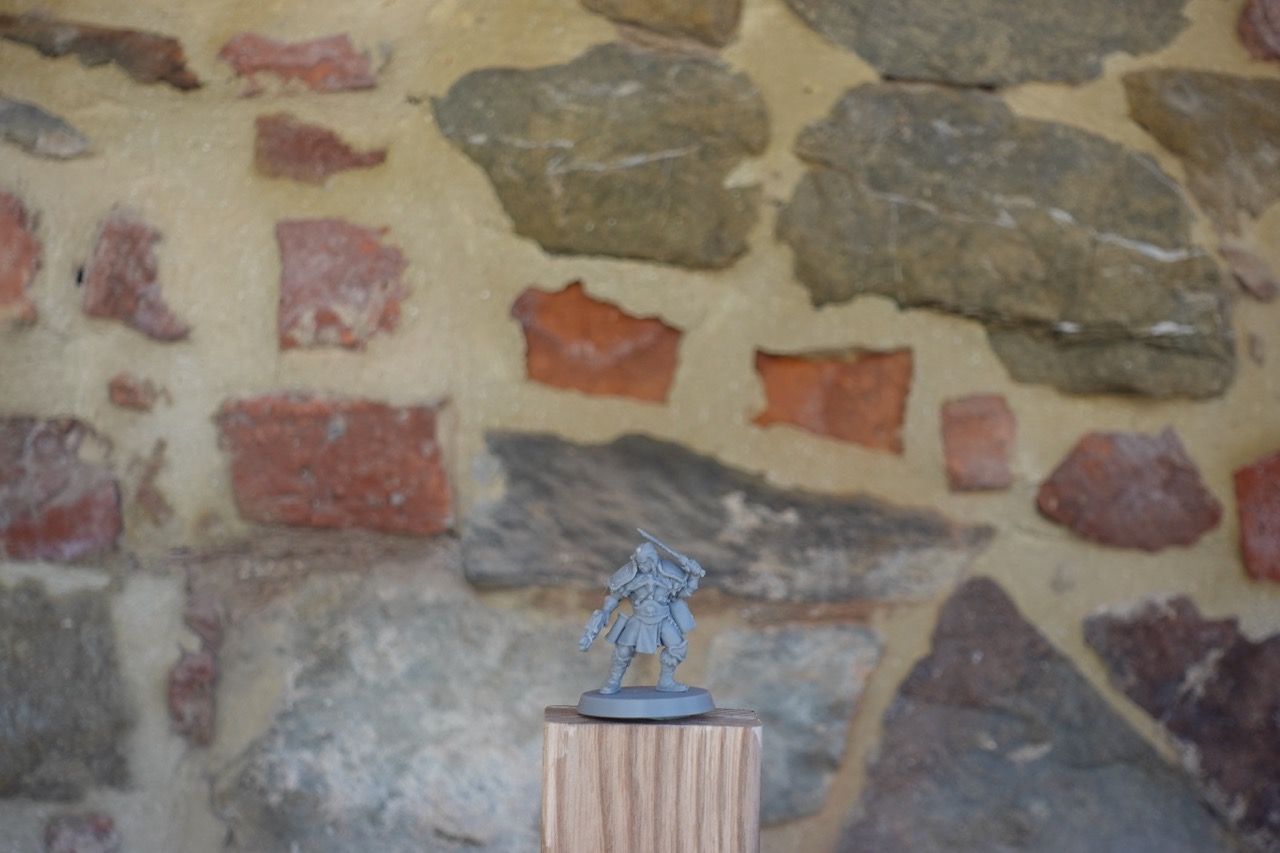
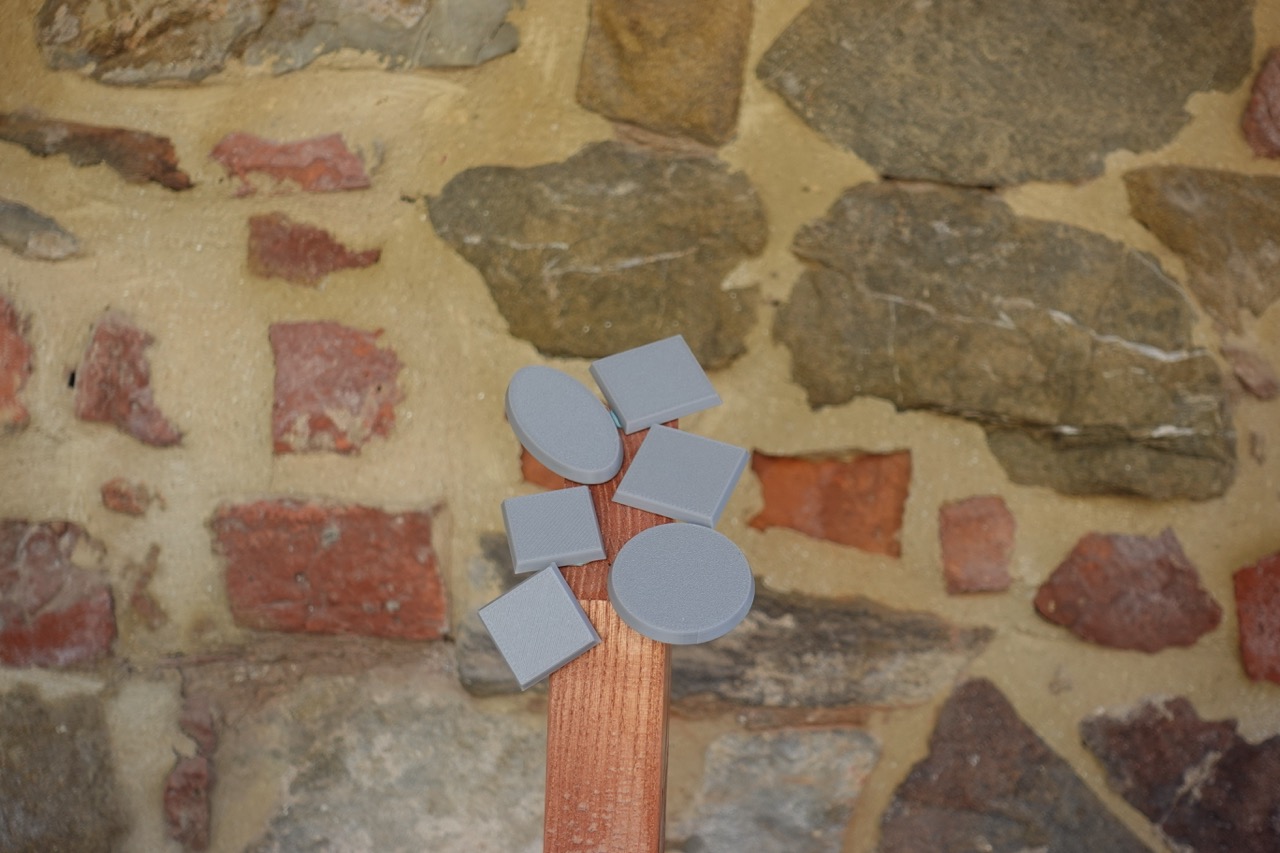
With the 0.2 and layer heights around 0.08 mm, FDM miniatures stop being a punchline. Let’s be clear: resin is still the queen of detail, and my most intricate prints will keep coming off the resin printer – specifically, Max’s resin printer as I don’t own one. But for tabletop troops, proxies, vehicles and all the fine detail on terrain, the results with the 0.2 are genuinely surprising. Yes, print times stretch out considerably, and as with any printer the profiles may need a bit of tuning depending on your exact printing needs. Once we’ve run a few more experiments, we’ll make a point of uploading our own version of the profiles for the FDM printers we use to the site. But the point is that with a single machine you cover the big stuff with the 0.4 and the detail with the 0.2, with no resin, no gloves, no alcohol baths, no upset wife because the resin fumes almost knocked out your firstborn.
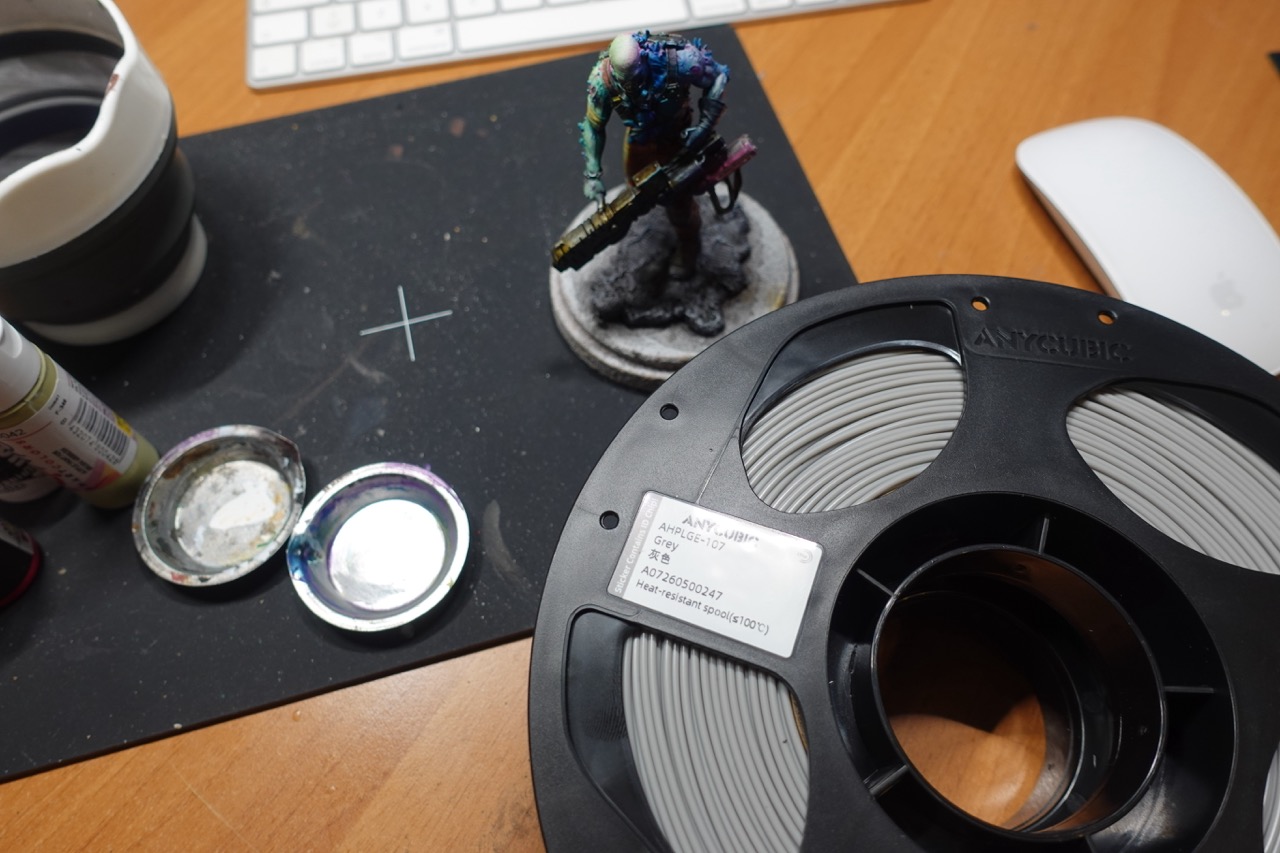
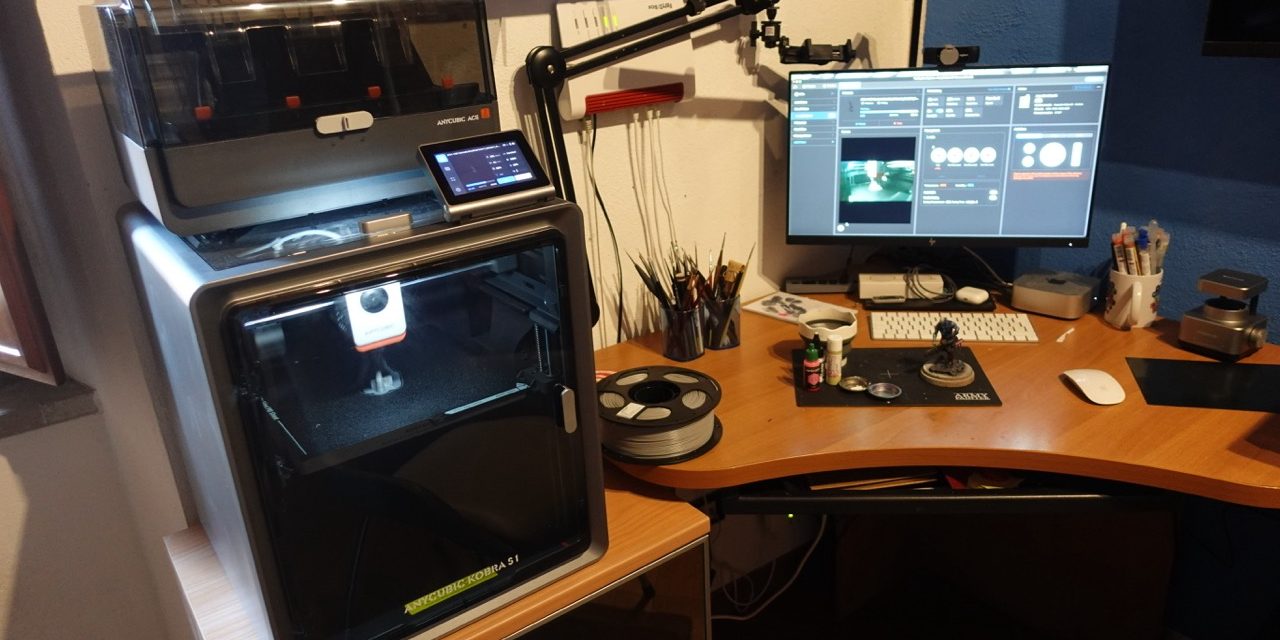
It’s not all perfect though. The Kobra S1 is rather bulky, especially with the ACE 2 Pro 0n top. The single spool holder sits on the back of the machine, which is the least accessible spot in the known universe, and every filament change turns into a weightlifting session if the printer is against a wall. And the built-in camera’s timelapses are handy for keeping an eye on prints from the app, much less so for making content with.
Are these real flaws? Yes. Do they change the verdict on the machine? For what I use it for, no.
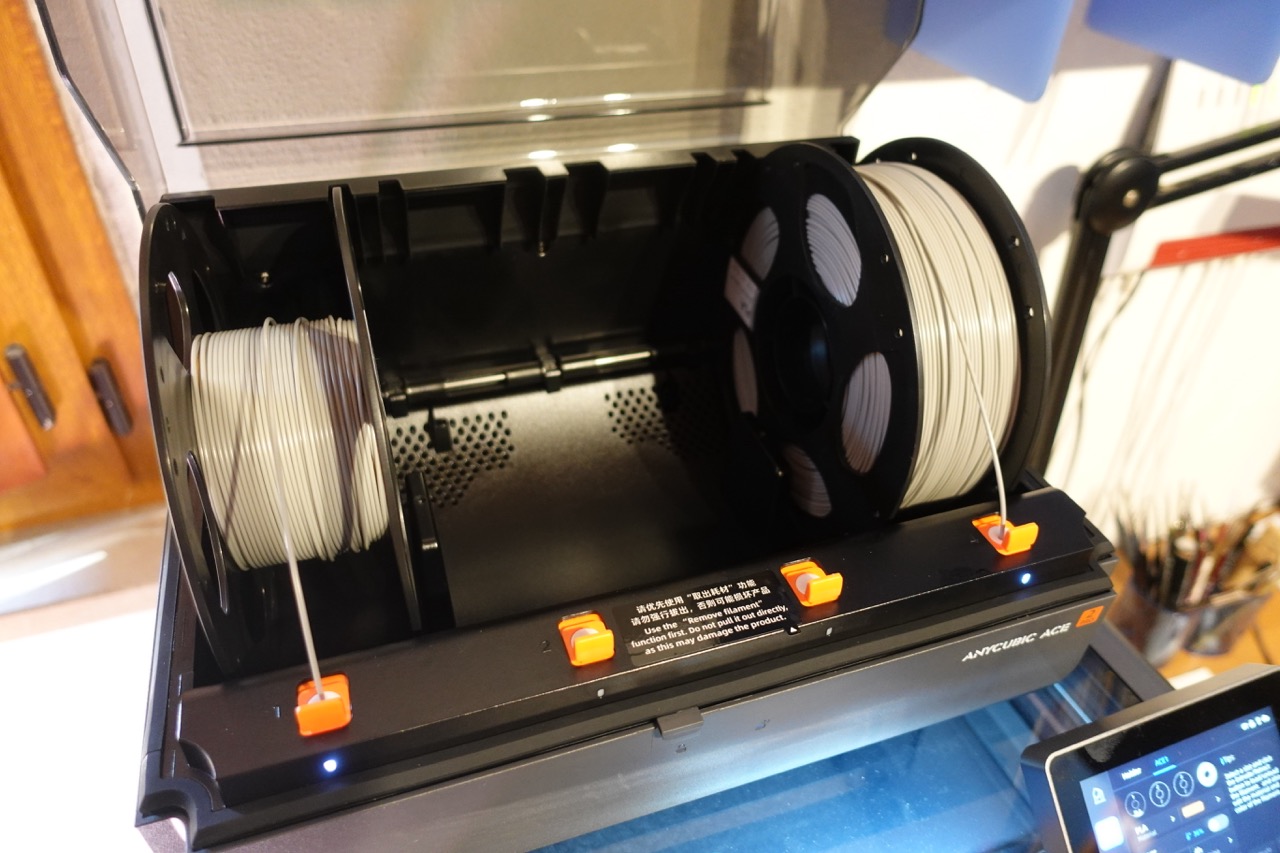
My unit arrived as a combo with the ACE 2 Pro, Anycubic’s second generation multi-material system: four spools in a sealed station that dries filament at up to 65 degrees while you print, with a real-time humidity sensor, four independent feed motors and filament runout detection with automatic resume. Up to 16 colours if you chain four units together, should you really want to go overboard. For us hobbyists the immediate real value isn’t so much the multicolour as the permanently dry filament and the automatic spool changeover on long prints. But it deserves its own conversation, and in fact we’re gonna give it a dedicated and more detailed review here on Miniatures of Death.
If you’re coming from a bed slinger and you print terrain, the jump to an enclosed CoreXY is one you feel from the very first piece. If on top of that you’re curious about FDM miniatures, the 0.2 nozzle turns the S1 into a dual-personality machine covering a huge slice of our hobby. It’s not perfect, I’ve told you where it falls short, but it’s the first printer I keep running longer than I keep watching it work hoping nothing goes wrong. And after years spent between less refined machines, believe me, that’s a new feeling.
See you at the next piece. Next Video. Next review. Actually no, at the next plate full of pieces.
Written in mid August 2026. The impressions you’ve read, particularly those about the software, which evolves continuously, are a snapshot of that moment and may change over time.
Useful links
If you’d like to support the channel, these are our affiliate links. They cost you nothing and give us a real hand:
- PLA Filament
- Kobra X (New entry level bedslinger, perfect for scenics!!)
- Photon P1 if you fancy a great resin printer!
Two notes:
- remember to also add the discount code for additional 15€ off on qualified orders! coupon code: MOD
- when the combo with the ACE 2 Pro is on promotion, it can end up costing almost the same as the printer alone. Always check current prices before choosing, and if the window is open, take it.
Prices swing quite a bit depending on current offers; the affiliate code gives you access to dedicated deals and promotions. Our advice is to keep an eye on the Anycubic site and consider subscribing to their mailing list: tempting offers pop up often, especially on consumables.